Diamond IPTV IPTV Kopen IPTV Abonnement Contact FAQ Hamburger Toggle...
Read MoreDiamond IPTV
Best IPTV for Sports (Eredivisie, F1, Champions League)
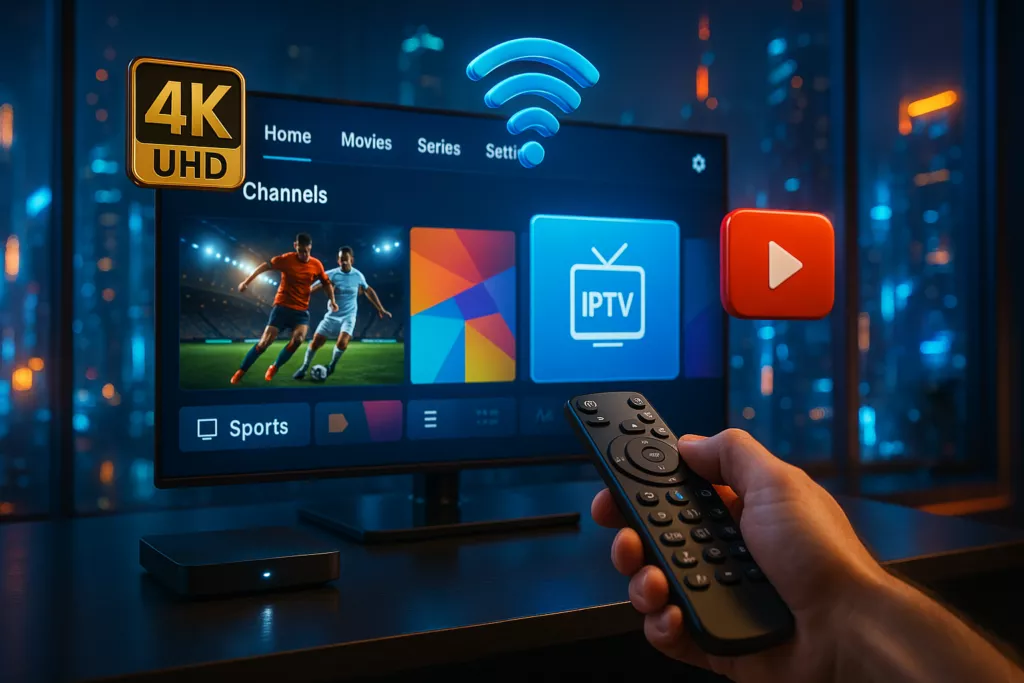
Installing IPTV on Firestick: Complete Guide Without the Hassle (2026)
Are you looking for the easiest way to install IPTV on your Amazon Firestick? You’re in the right place. This complete step-by-step guide will show you exactly how to set up IPTV in just a few minutes, even if you’re a beginner.
With IPTV, you can unlock thousands of live TV channels, sports events, movies, and series directly on your Firestick device — all in HD or even 4K quality.
📺 What is IPTV and Why Use it on Firestick?
IPTV (Internet Protocol Television) allows you to stream TV content عبر الإنترنت instead of traditional cable or satellite. When combined with Firestick, it becomes one of the most powerful entertainment setups available.
- ✔ Access to 40,000+ channels worldwide
- ✔ Watch live sports (Football, F1, UFC)
- ✔ Enjoy movies & series on demand
- ✔ Compatible with all devices
⚙️ Requirements Before Installation
Before you begin, make sure you have the following:
- Amazon Firestick (any version)
- Stable internet connection (minimum 20 Mbps recommended)
- Active IPTV subscription (M3U or Xtream Codes)
🔧 Step 1: Enable Apps from Unknown Sources
To install IPTV apps, you must allow third-party apps:
- Go to Settings
- Select My Fire TV
- Click Developer Options
- Enable Apps from Unknown Sources
⬇️ Step 2: Install Downloader App
The Downloader app is essential for installing IPTV apps:
- Open Amazon App Store
- Search for Downloader
- Install and launch the app
📥 Step 3: Install IPTV Player
Using Downloader, enter the URL provided by your IPTV provider or install a popular IPTV player like IPTV Smarters or TiviMate.
🔑 Step 4: Login to Your IPTV Service
Once installed, open the app and log in using one of the following methods:
- M3U Playlist URL
- Xtream Codes API (Username, Password, Server URL)
🚀 Step 5: Start Watching
After login, you will have access to:
- Live TV Channels
- Movies (VOD)
- TV Series
- Sports Channels
❗ Common Problems and Fixes
- Buffering: Check your internet speed or switch servers
- No Channels: Verify your M3U link
- App Crashes: Clear cache or reinstall the app
📱 Devices Supported by IPTV
IPTV is not limited to Firestick. You can also use it on:
- Smart TVs (Samsung, LG)
- Android Phones & Tablets
- iPhone & iPad
- Windows & Mac
🔥 Why Choose Our IPTV Service?
- ✔ 40,000+ Channels
- ✔ Ultra HD & 4K Quality
- ✔ No Buffering Technology
- ✔ 24/7 Support
- ✔ Instant Activation
💳 Get Your IPTV Subscription Now
Ready to enjoy unlimited entertainment? Choose your plan and start streaming today.
🎯 Final Thoughts
Installing IPTV on Firestick is quick, simple, and extremely powerful. With the right setup, you can replace traditional TV completely and enjoy a premium streaming experience.
👉 Don’t wait — start your IPTV journey today!
Laatste Blogartikelen
Blijf op de hoogte van nieuws, tips en gidsen over IPTV kopen.